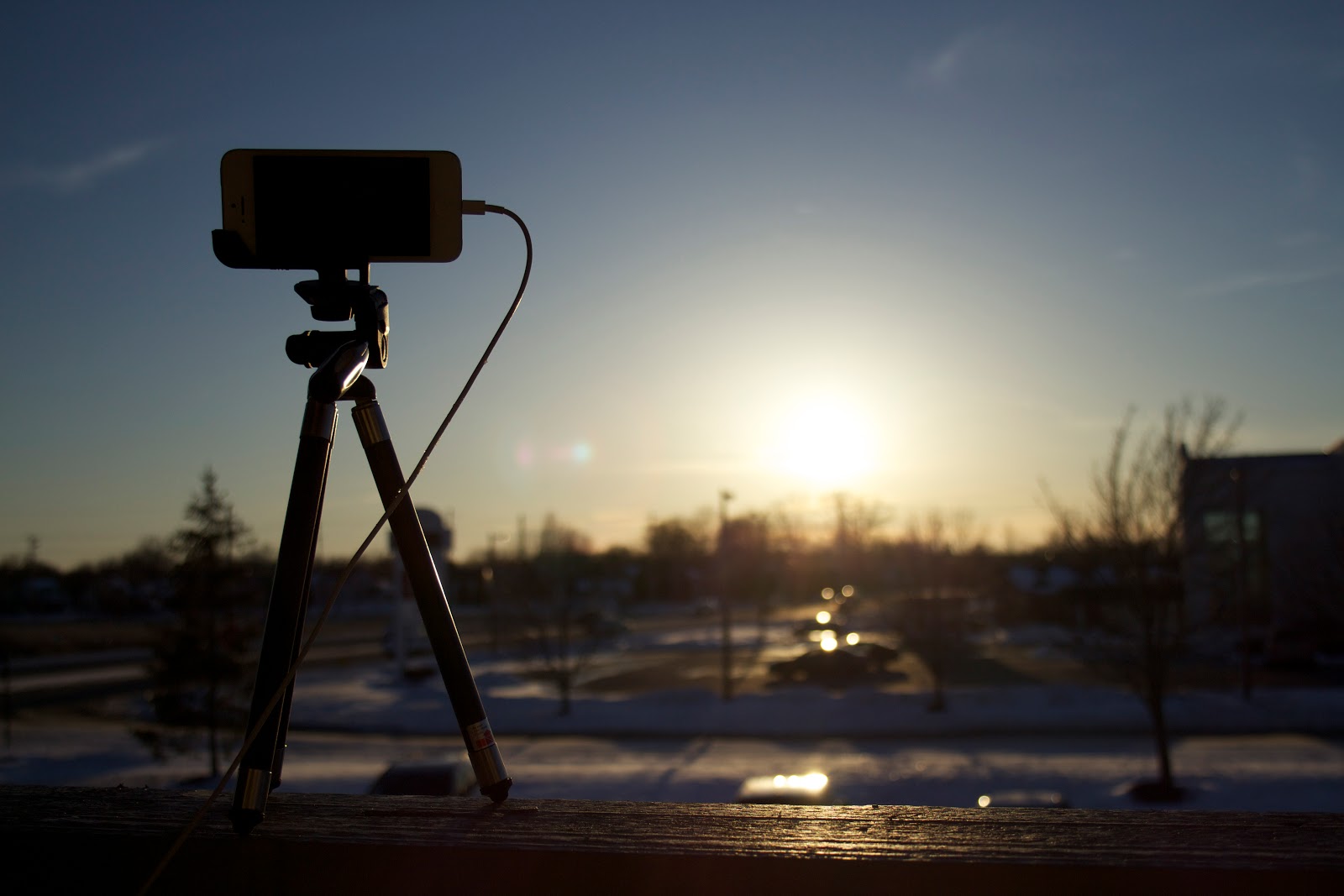
I use Slow Shutter Cam to
take photos of the International Space Station streaking overhead, to
turn campfire sparks into trails of light, to
capture lightning strikes,
falling snow,
make light paintings, and
photograph fireflies. This app does it all!
I used to use
The Photographer's Ephemeris (TPE) to plan the position of the sun and moon
with some success. But once I found out PhotoPills does all that and so much more, I made the permanent switch! PhotoPills includes too many features to list here, but the ones I use most often are sunrise, sunset, moonrise, moon set, twilight times, magic hour times, moon phase calendar, moon position, quick exposure calculator, max exposure to avoid star trails calculator, field of view calculator, and of course the ephemeris. It's on Page 1 of my iPhone, right next to my Astronomy folder (too important to dig for it in the folder).
Also on Page 1 of my iPhone screen,
Scope Nights has replaced my folder of weather apps and bookmarks. Although services like
meteoblue.com give great detail in their weather forecasts, I prefer the simplicity of color-coded icons for a quick glance at my chances of a clear night. You can set limits on what conditions are too extreme to make observing worthwhile - such as moon phase, temperature, humidity, and wind speed. The app can also
notify you if clear conditions are likely that night, giving you a heads up and extra motivation to head out.
Star Walk was one of the first iPhone astronomy apps I got, and it's still one of my favorites. I use it when I'm taking the dog for a walk and want to orient myself or look up a star quickly. I even use it out in the field when I decide I want to photograph a Messier object but hadn't bothered looking up its location ahead of time. I recently
used it to find M35 in the foot of Gemini, and its star charts were complete enough to help me zoom in exactly where I needed to. I also use it for some conjunction planning, and to
take screen shots for social media comparisons.
I first got into high ISO iPhone photography with
Night Modes but soon adopted
NightCap as my go to dark photography iPhone app because of its ability to take high quality TIFF images, and take
infinite back to back exposures (the only way to go for
true iPhone star trail images). I also used NightCap to take my
best raw iPhone camera image of the moon with no additional lenses, and other night scenes.
When it comes to iPhone time lapse photography, TimeLapse stands alone. It's the only app I use to take timelapse photos with my phone. I've used it for
nature shots, a
pine cone experiment, numerous
sunsets,
cloud videos,
crowd videos, and some
twilight moon shots.
Moon Globe HD comes in handy for some lunar geography out in the field, or even while I write blog posts on my laptop. It's a quick and easy reference. I use it to
identify features for my observing challenges, and look up
news items.
Satellite Tracker Plus is great when you're waiting for an ISS pass outside. I don't use it as my primary resource - because nothing beats
Heavens Above - but once I know when to go out, it helps me know
when and where to start looking or to plan a camera angle ahead of time.
Precise Time gives you live UTC time alongside your local time, which saves the trouble of converting times given in press releases or other websites into local time. It's super simple, extremely accurate, and helped me
predict the ISS appearing to the second.
Dark Sky is a great way to look up dark sky maps on the go, or to
check the light pollution in an area as you drive through it. It seems to use the same data as
Dark Sky Finder, which is a little dated, but nicely integrated into Google Maps.
SkyWeek Plus is what I look at when I'm bored, or when I want to make sure I haven't overlooked any cool night sky objects coming up. It has a dark vision mode, and lets you instantly add things to your phone's calendar. Very nice!
Theodolite is a nice little tool that has a lot of uses. You can use it to
reverse look-up the elevation of night sky objects in degrees (point it at the moon and read the degrees rather than look up what elevation the moon is supposed to be at). You can use it as a level for instruments, or as a protractor to determine the angle of your camera or scope. It's also a compass, camera, has zoom, and dark vision modes.
Update: Finally finally finally! New iOS apps like this one let you adjust the ISO exposure settings manually, so you don't have to
trick the camera into the right setting by locking it on another target. This is going to make things a lot easier!

That's all for now! Honorable mentions coming soon - but I wanted to cap the list at a dozen. I'm thinking of doing away with my astronomy app folder and dedicating an entire page to these wonderful apps.
Also, it was fun checking out
what was in my app folder almost a year ago to the day. There have been quite a few new additions since then, but definitely some tried and true favorites.
Hopefully the next year brings even more cool and useful apps for appreciating and playing with the night sky.