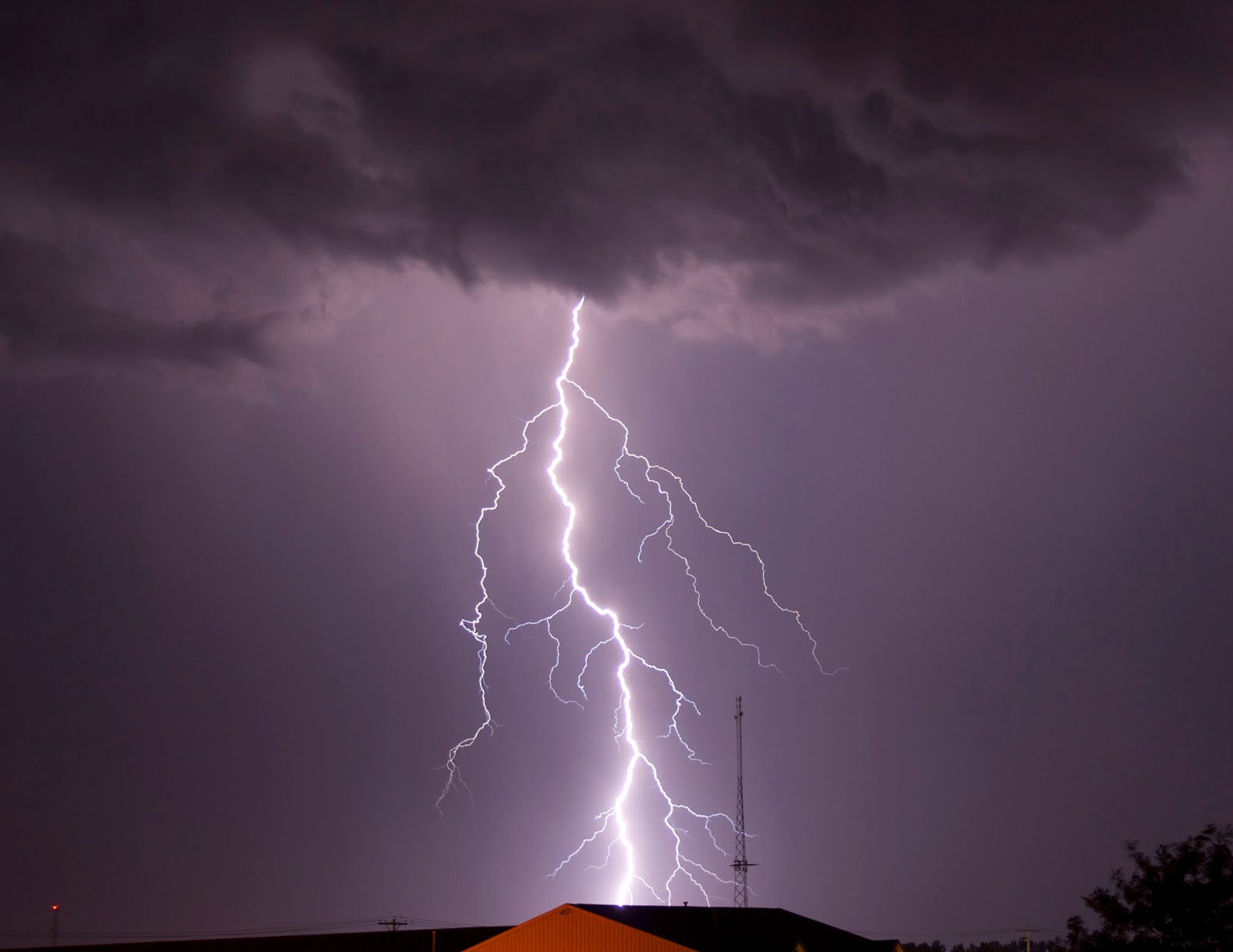
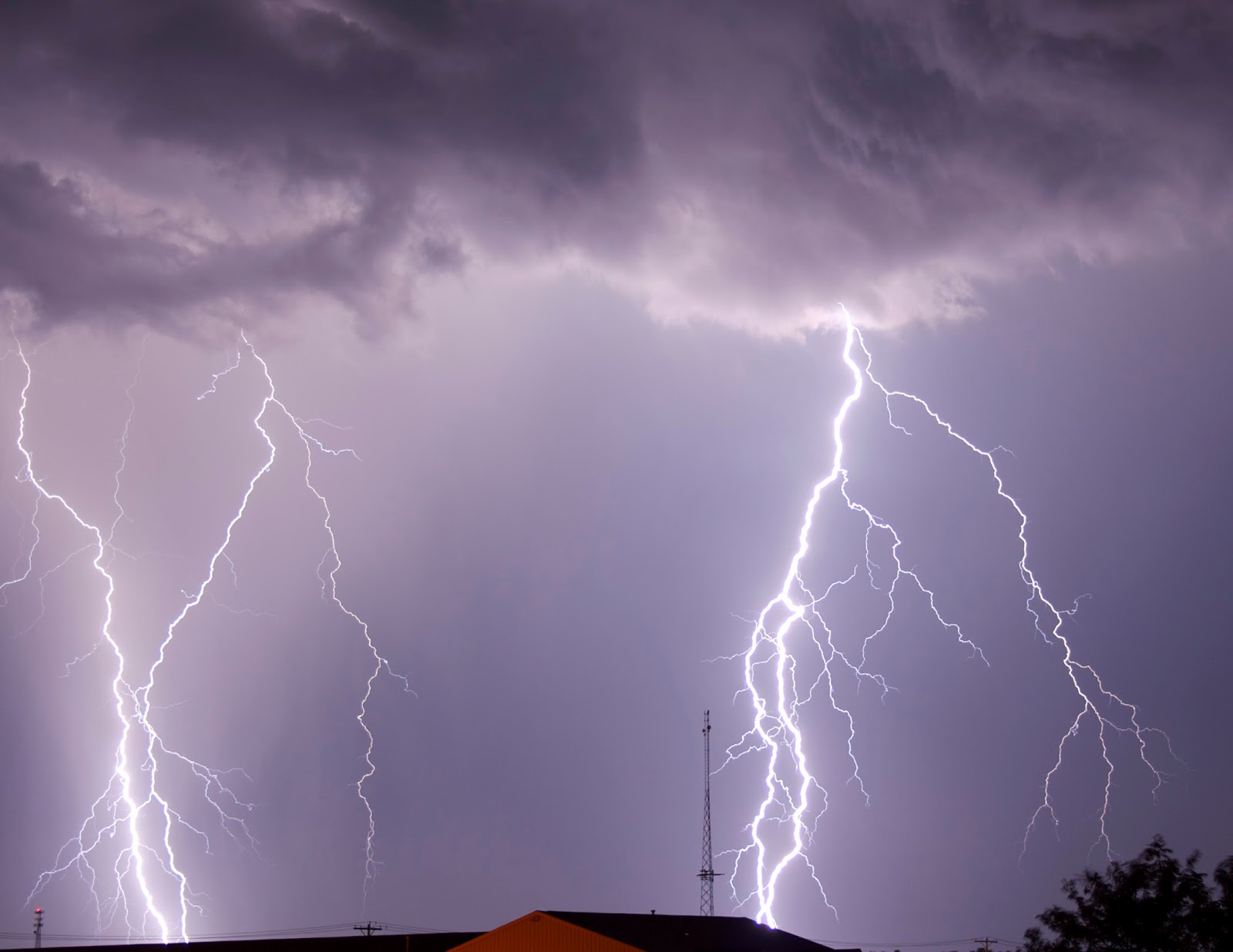
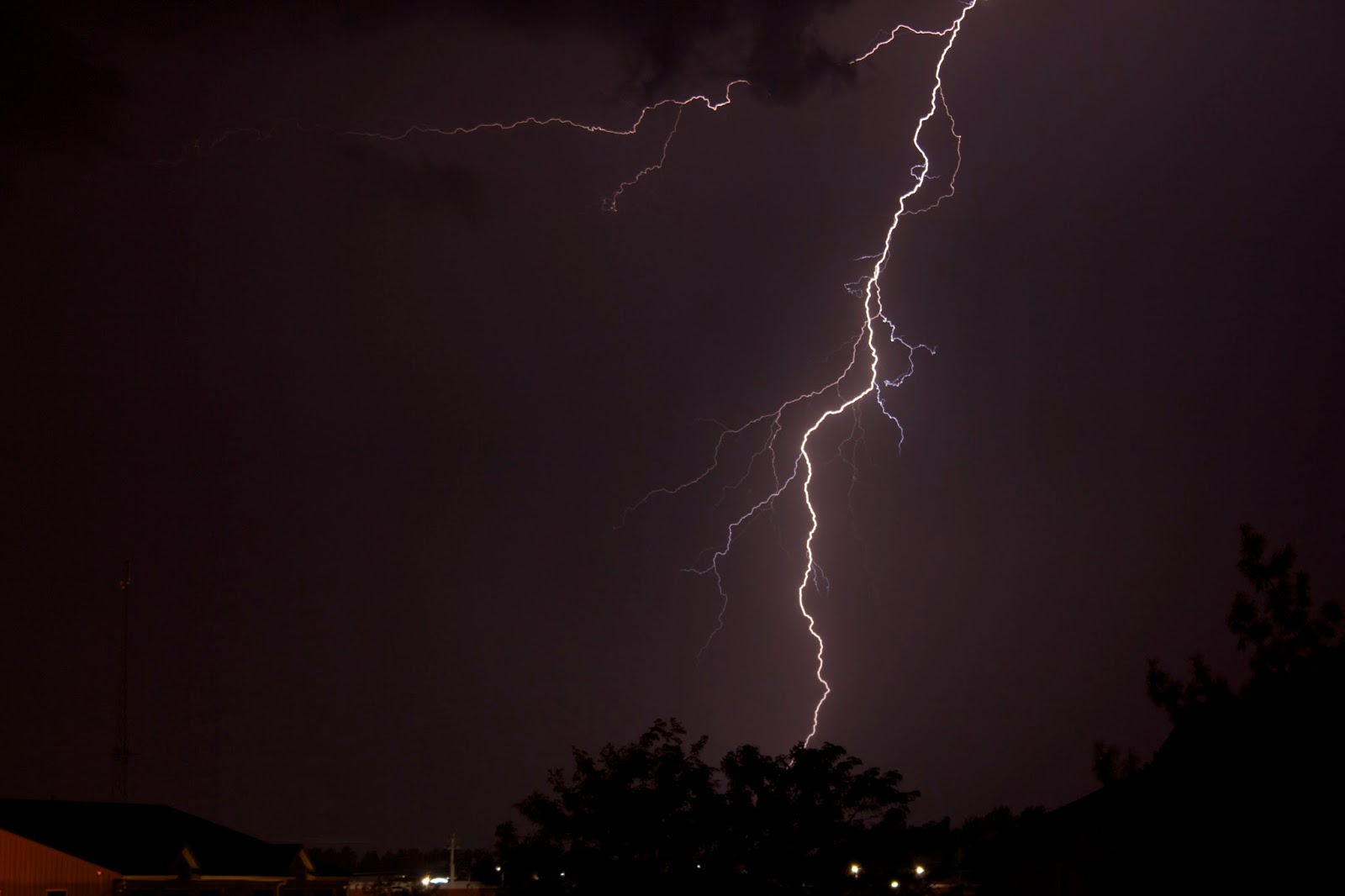
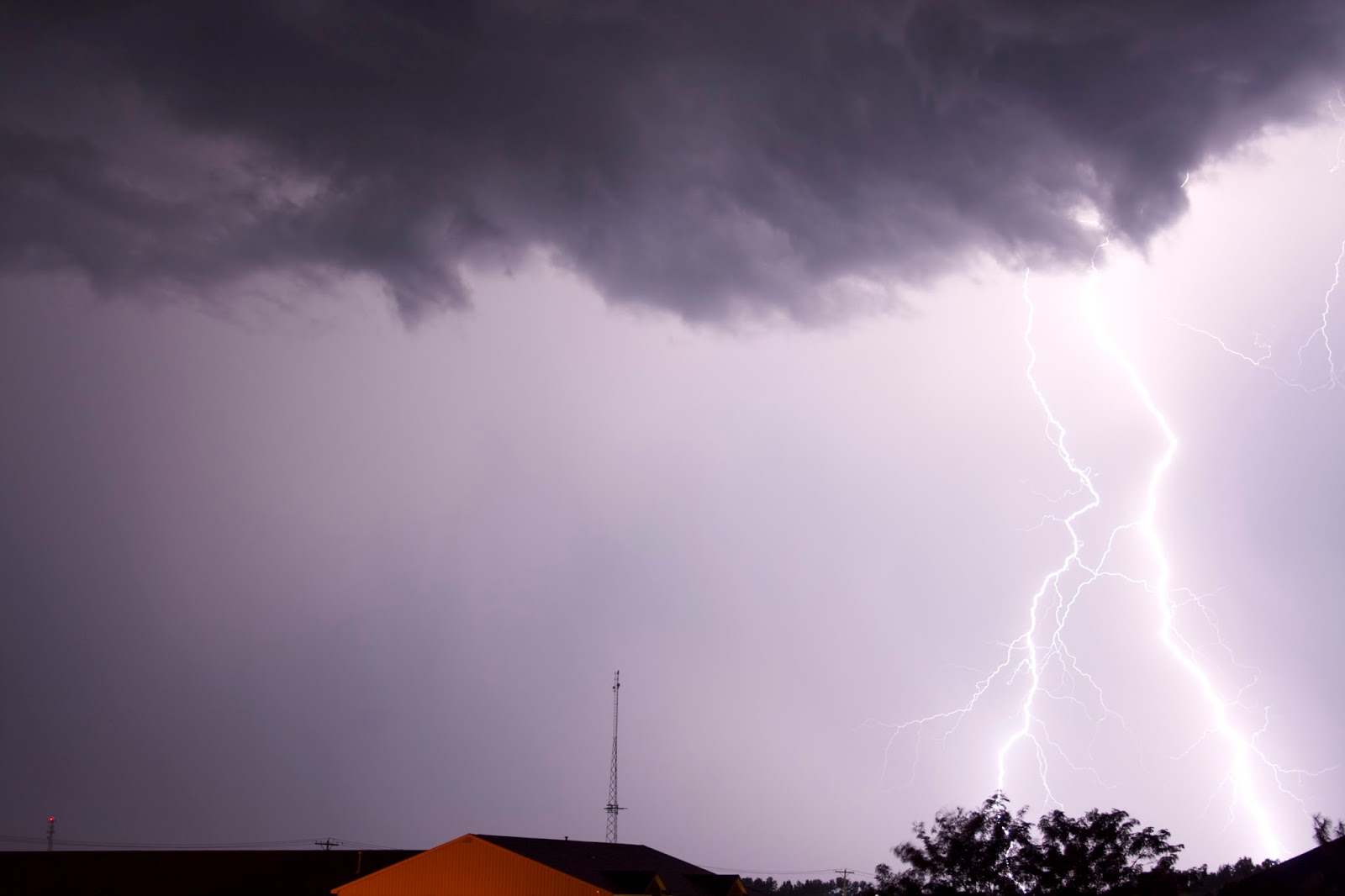
Feel free to use these lightning photos in your non-commercial creative project! I always love finding free images that I can use for posters or whatever, so I wanted to try to make these pics easier to find. They are completely royalty free and have a creative commons attribution non-commercial license. You can also email me if you want the RAW files (teskeej@gmail.com).
Suggested Attribution:
Image by Eric Teske (CC BY-NC 3.0)
My learn-by-doing astronomy and astrophotography blog and observing journal
Showing posts with label lightning. Show all posts
Thursday, March 13, 2014
Monday, September 2, 2013
Epic Lightning Photos with Canon Rebel XT, Acquisition Details
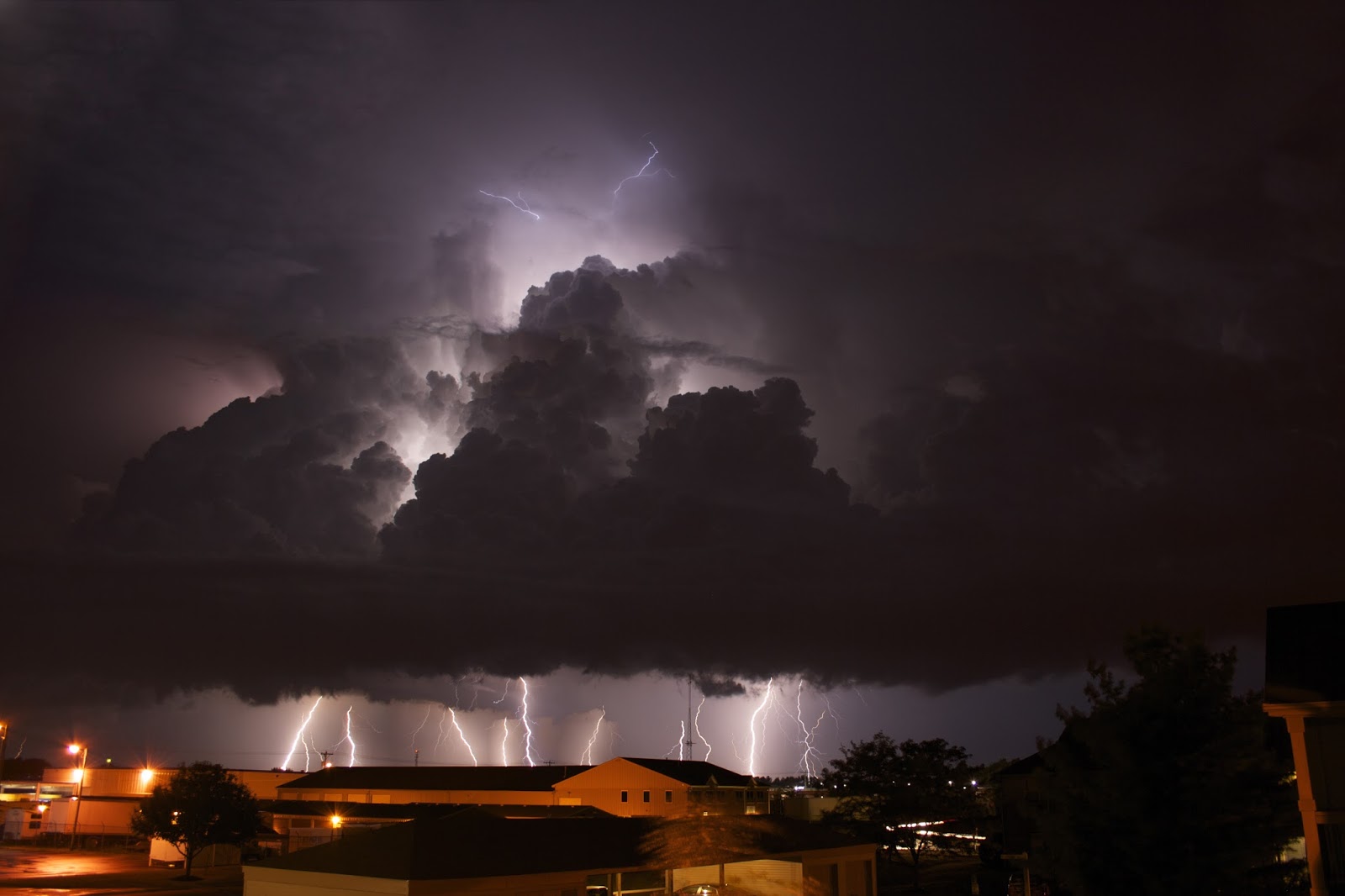
I was down in Avon on Friday when I saw some heat lightning rolling through the north. It was crazy consistent, so I snapped some pics with my iPhone. By the time I got back to my apartment, the main body of the storm was approaching. I lucked out with my balcony, it was a perfect shelter from the rain and view to the horizon. I set my camera to ISO 100 for 5 sec exposures then locked the shutter. Here are my best shots out of about 150.
![]() |
| A stack of 8 individual lightning strike frames blended in StarStaX |
![]() |
| Single frame at ISO 100 for 5 seconds, super lucky!! |
![]() |
| Two lightning strikes in a single 5 second exposure |
Saturday, June 29, 2013
iPhone Lightning Photos with Slow Shutter Cam App
I haven't found an easier way to photograph lightning than with Slow Shutter Cam () for iPhone. With a live exposure view, you can see what the final product looks like before closing the shutter. In light trail mode, it's just amazing. I wish my DSLR had this feature. The background is never over-exposed, it's like the app is just selecting the brightest pixel from a series of photos or video. With a DSLR, I'd imagine the entire scene continues to get brighter and brighter as you keep the shutter open - making bulb mode lightning exposures tricky.
![]() |
| Got lucky with this one! My favorite of the night. |
![]() |
| I had my iPhone in my Glif tripod mount. |
![]() |
| I used my Apple headphones with (+) volume button as a remote shutter release. |
![]() |
| Several lightning strikes within the clouds |
![]() |
| Storm rolling in from the NW |
Monday, July 2, 2012
Lightning photo taken with iPhone
Last time I tried to photograph lightning with Slow Shutter Cam () for iPhone, I got a huge lens flare or glare from the car window I was shooting through. This time, out my bedroom window, I avoided the glare and got one good photo out of about a dozen or so attempts.
| iPhone photo with some contrast adjustment |
| Color adjustment in Filterstorm app and sent to Instagram |
Monday, June 18, 2012
Lightning photographs produce crazy lens flares with Slow Shutter Cam app for iPhone
I'm not sure if it's because the lightning was so bright, or because I was shooting through the side window of my car, but the lightning is creating some pretty epic lens flares in this photo!
I was using Slow Shutter Cam app for iPhone in Light Trail mode with a light sensitivity of 1.
I was driving home from Indiana on Saturday when I saw some huge lightning bolts streaking through the sky in front of my car. It wasn't raining yet, so I thought it would be a good time to try photographing lightning with my iPhone for the first time.
I pulled off the highway and stopped in a church parking lot. I pressed my camera up against the drive side window and started taking light trail pictures with the app.
Not as impressive as other photos of lightning I've seen with an iPhone, but not bad for shooting through a window during daylight. I also think the lens flares add something cool to the photos even though it's basically just a glare caused by the window of my car.
Subscribe to:
Posts (Atom)