Showing posts with label supermoon. Show all posts

Friday, November 25, 2016

Bringing Out Detail in Moon Photos with November 2016 Supermoon

I finally got around to stacking and adjusting my November 2016 supermoon photos that I took from my back patio through very thin clouds on November 14, 2016 about 12 hours after the peak. Since this was a "super-duper" moon, I spent a little more time trying to squeeze all the detail out of the 10 frames I took. Here is the final image, and the images I used along the way. So how do you get more detail out of moon photos without buying more expensive gear?

november 2016 supermoon at 300mm
Final image after processing 10 frames taken with Canon T5i each at ISO 100, 300mm, f/7.1, 1/250 sec stacked in Registax, high pass layer and color correction in Photoshop

Okay so that's the final image, taken with my DSLR and a kit lens from a fixed tripod. Not too shabby! I tried to find a nice balance between bringing out the detail while avoiding the blown out HDR super high contrast artificial look that can happen if you're too eager. Nevertheless, I like a nice high pass layer with contrast and trying to bring down the noise as best I can.

Here is a walkthrough of my process with screen shots along the way showing how I take individual frames and capture more of the detail that is hidden in the image (while hopefully staying true to nature).

I remember my first time using the free Registax software to stack my moon images, I was blown away, I couldn't believe how much of a difference it made in the quality of the final image.

more detailed moon photos
Click to enlarge - sequence of images showing incremental improvements in moon photo detail at each stage of post-processing
I love looking at sequences like these. It reminds me that the more I learn the better my images become. I can remember a time when I would have been thrilled just to have the image on the left, a moon photo using a zoom lens at 300mm. Now, as my 'eye' for moon photos is accustomed to the better quality images, the one on the left looks blurry and I would never post a single frame straight from the camera to social media. So as I learn more, each image now takes more time to process, it's not as simple as snap and go.

A little hazy but it still counts - super duper Moon in the bag

A photo posted by Eric Teske (@ericteske) on

Wednesday, September 10, 2014

Supermoon September 8, 2014

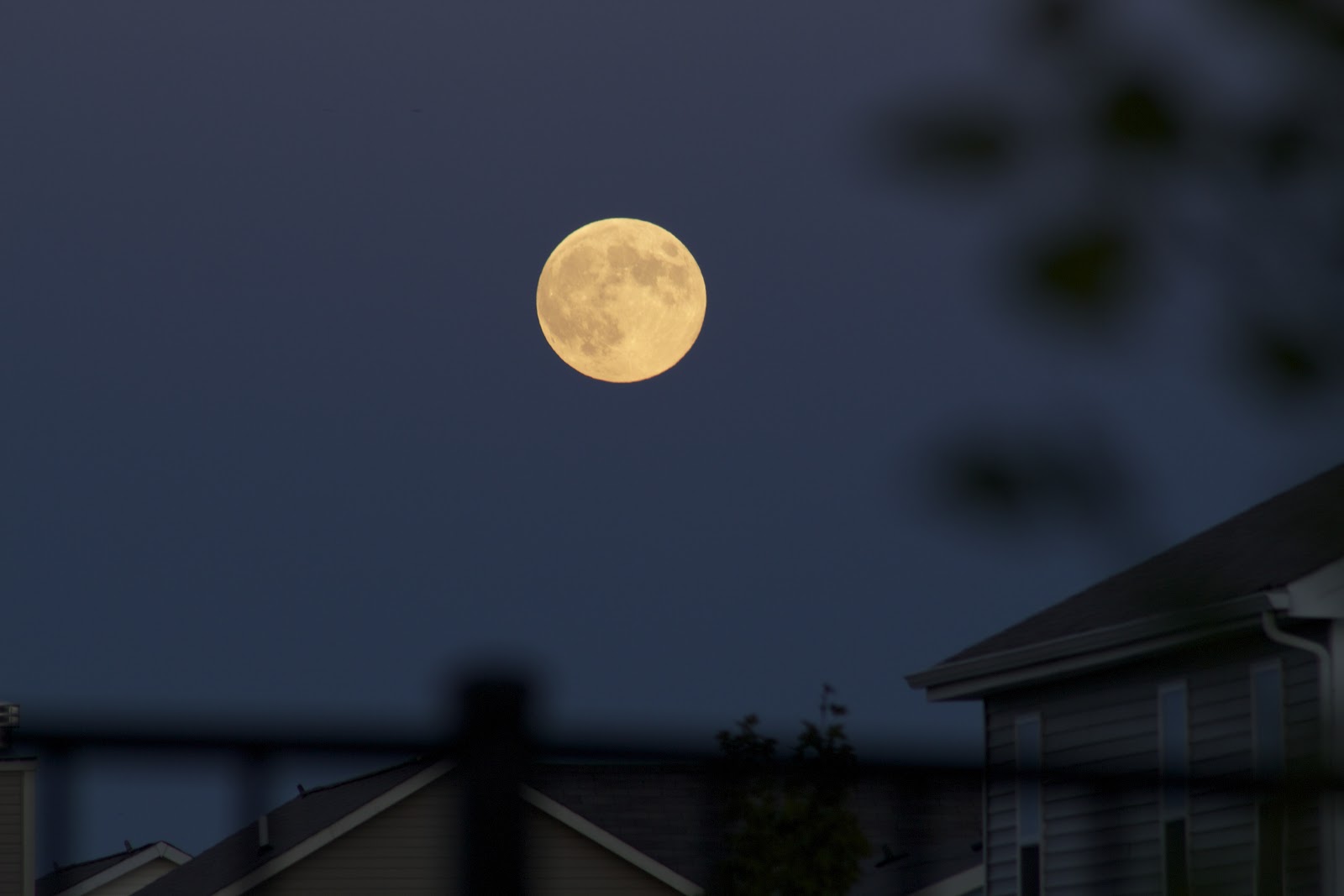
I was driving home from Kroger and saw the most amazing moonrise over the pond in our development. Chris was nice enough to put away the groceries by himself so I could run outside and snap some supermoon photos.

It's the last supermoon of 2014. Okay, I know supermoons aren't all that super, but it's still fun to see a nice full moon on a clear night.

supermoon september 2014
Canon T5i single frame, f/9, 1/125 sec, ISO 100, 300mm

supermoon september 2014
Canon T5i single frame, f/9, 1/30 sec, ISO 100, 300mm

supermoon 2014
Canon T5i single frame, f/9, 1/30 sec, ISO 100, 300mm

supermoon sept 8 2014
Canon T5i single frame, f/7.1, 1/400 sec, ISO 1600, 300mm

Sunday, June 23, 2013

June 2013 Supermoon with apparent size comparison

It was raining when I came out of the movie theater after seeing Man of Steel, so I didn't have high hopes of catching the Moon of Steel, er, "supermoon" last night. As always, I was walking my dog when I noticed a break in the clouds. It wasn't totally clear (a few thin hazy clouds remained) but there was another wave of heavy clouds on its way so I knew this was my chance.

I must say, I like having plenty of yard space to the side of my apartment complex, rather than a courtyard where all the doorways face the yard. This way I can feel less self-conscious setting up a tripod with big zoom lens in the middle of the night.

I stacked 19 frames in Registax, which cleaned up the supermoon a bit, but it's obviously not as clean as my Snow Moon from February earlier this year.

how big is the supermoon

Wednesday, May 9, 2012

Photograph the moon with a Canon PowerShot A3100 IS

moon photo with canon powershot a3100 IS
Final product, turned down the brightness a bit in Photoshop...
I was immensely frustrated when I couldn't get a good shot of the Supermoon with my point and shoot Canon A3100 IS. The moon was super bright, and I had my camera set on a high ISO because I thought I was shooting at night.

moon photo with Canon A3100 IS point and shoot
Over-exposed supermoon from Saturday, what a waste!
Finally, I found some guidance on the A3100 group on Flickr, particularly this image with comments by N.Nirjhor. I had to translate from Portugese, but I got the gist of it: ISO-80, Exposure -2. I couldn't wait for the next clear sky to test it out!

I tried the recipe and got the same boring results from before, with maybe just a little more contrast on the lunar disc. I had the camera on ISO-80, -2, but the shutter kept trying to take a 1 second exposure which was way too long.

moon photo with Canon A3100 IS point and shoot
1" shutter was still too long even with low ISO and -2 exposure
I changed the brightness correction to focus on "Spot" rather than "Evaluative," forcing the camera to focus on the brightness of the very center of the frame and not the entire view. I got a decent result!

moon photo with Canon A3100 IS point and shoot
My first "real" shot of the moon with some foggy haze around it
Finally, I wanted to try to make the shutter time as short as possible, so I actually took a few photos with the flash, forcing the shutter to 1/60 or so at ISO 80. I finally got a decent moon shot in what appears to be natural light (the moon was rising and was very yellow).

moon photo with Canon A3100 IS point and shoot
Same moon, shorter shutter (1/60) with the flash on
Note that all of these were taken with the optical zoom maxed out at 4x, and then cropped at 100% (actual size) in Photoshop. Don't beat yourself up if you can't mimic these exactly, the original uncropped version looks like this:

moon photo with Canon A3100 IS point and shoot

Sunday, May 6, 2012

Weird double "Supermoon" time lapse on iPhone

After my marginal success getting a screenshot of the moon from a time lapse video, I wanted to try the technique on the supermoon from May 5, 2012. I took this shot out the same window as the last time lapse, and got a slightly different effect.

supermoon screenshot on iPhone
A weird double supermoon created with glare through a window

It appears that the extremely bright supermoon created a glare on the window, producing a double supermoon. Luckily, at least one of the moons has some detail to the face, which means I was able to reproduce the technique. Hmmm...

supermoon screenshot on iPhone
Rise of the supermoon

There are some things going on with the reflection through the window that I don't quite understand.

Friday, May 4, 2012

Mars over Kreischer Quadrangle and a crazy bright moon

After driving around town for about 10 minutes, I found a nice dark spot in the very center of the intramural fields next to this huge tree. I did some shooting after I got bored waiting for my star circle photos. Lots of great practice playing with different exposures and ISO settings!

This first one gives you an idea of how bright the moon was tonight. Of course, after I left I read on my phone that there is a "supermoon" this weekend. I felt like I was sitting under a spotlight. This first image was shot with 2 sec exposure at ISO 400, no flash, and no post production tweaks. 

moon silhouette in tree

This next one makes the tree look very spooky and almost ominous with the orange lights in the background. I used a flash on this one at a low ISO and longer exposure.

night photo tree and moon

Finally, I wanted to snap a quick picture of Mars on my way to the car. I also love how these lights look like alien spaceships. This was taken facing west above Kreischer Quadrangle on Mercer Rd. I didn't know it at the time, but it looks like I got all of Leo in this picture as well!

star photo leo and mars