Monday, January 20, 2014

Venus Rising After Snowy Apartment Night

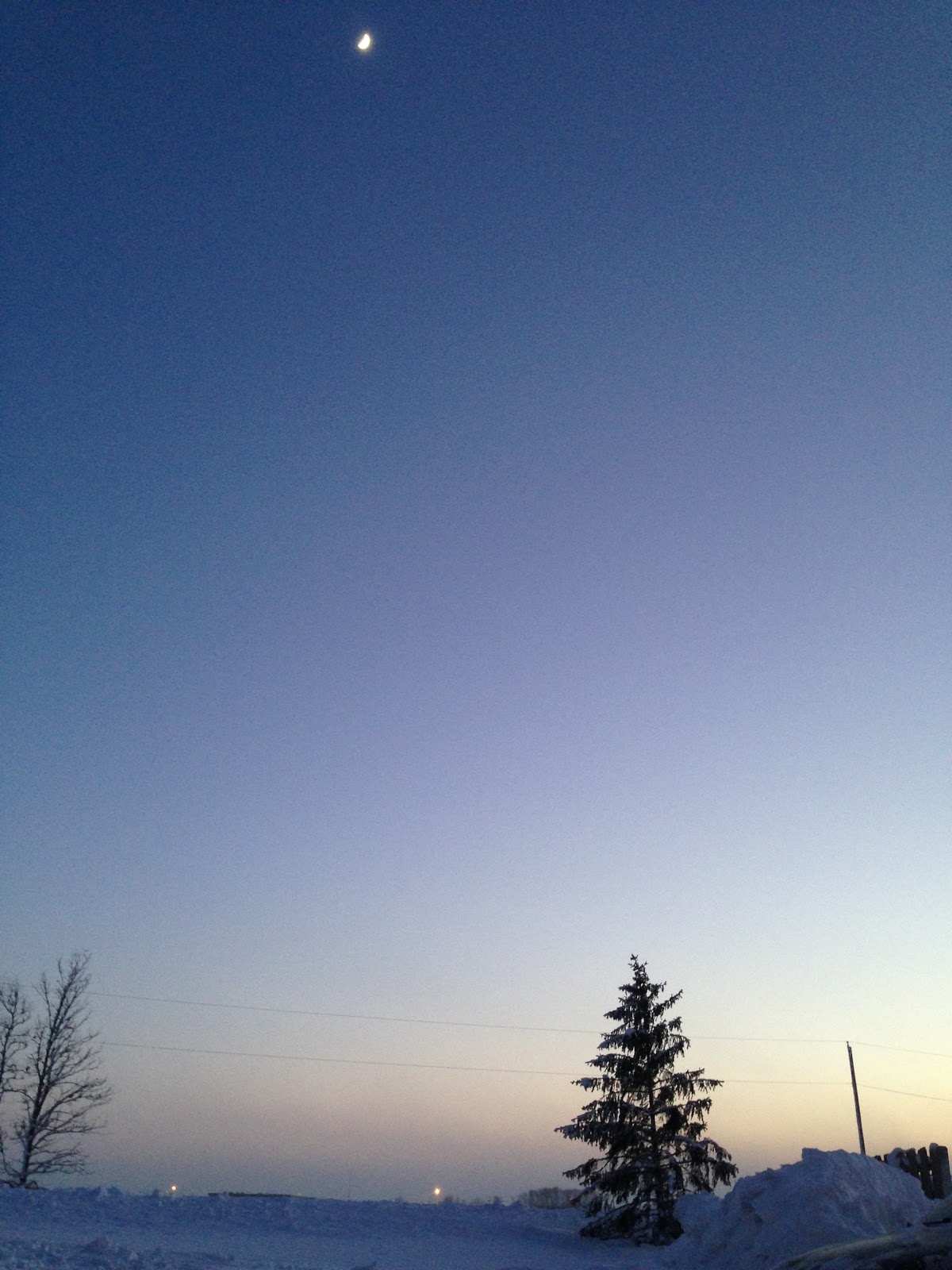
I was hoping to use my new EQ mount last night, but by the time I got it set up the clouds rolled in (ain't that always the way it goes?). I decided to take my camera out on the fixed tripod for some simple winter nighttime scenes. I went out again in the morning and saw crescent Venus rising before the sun to the East.

footprints in snow at night
10 sec, ISO 400, 18mm, f/4.0
snow winter apartment night
5 sec, ISO 200, 21mm, f/4.0
snow winter at night
10 sec, ISO 400, 18mm, f/4.0

snow winter apartment night
5 sec, ISO 200, 39mm, f/4.5
venus rising january 20
1.6 sec, ISO 400, 160mm, f/5.0
Venus at sunrise with iPhone
Venus later at sunrise, taken with iPhone

Camera RAW Work-Around and Registax Access Violation Fix

Whew! Who would have thought my workflow would have to totally change just to take moon photos with my T5i instead of the Rebel XT. I started doing everything normally, opening the RAW files in Adobe Camera RAW to crop them into smaller TIF files before loading them into Registax to align, stack, and wavelet into beautiful moon images.

My first road block was that Adobe Camera RAW for CS5 did not recognize my T5i (I guess the T5i came out after they stopped writing updates for CS5 maybe?). Anyway, I still haven't found a patch but I found a work-around...
  1. Using iPhoto, I export the RAW files as TIF files
  2. Using File > Scripts in Photoshop I load the TIF files as layers
  3. Then I crop all the files at once because they're all layers on top of each other
  4. Then I use Photoshop scripts again to save layers as files
I end up with some funky file names (moon_sm_0001_IMG_1672.tif.tif) because it names the files from the layers, and the layers have names that end in .tif, so I have a redundant .tif.tif. Not end of the world, I thought, and I saved copies with one less .tif as well.

When I try to load these files into Registax I get an access violation error:

registax access violation error
Access violation at address 005F0AE3 in module 'RegiStax6.exe'. Read of address 5ED80010.

What the heck does that mean?? I tried looking it up and some forums suggest that perhaps the files are too big (with 18MP even my cropped TIF files are 5+ MB). One solution is to save them as BMP instead of TIF, but I didn't want to lose any image quality... I want my TIFs back!

I tried one more thing, I opened the files in Photoshop and saved each individually as TIF files again. This brought up some save options and I clicked on IBM PC instead of Mac. I have no idea what this does, but it was worth a try.

save tif byte order
Save As > TIF > Byte Order: IBM PC

It worked! Registax now opens my 5+MB TIF files no problem, just like before! Now if I could just figure out why I'm getting some alignment shifts toward the edges, I'll be all set. Or maybe I just need to wait for a truly clear night so I'm not fighting clouds AND software at the same time.

Waning Gibbous: 15 frames stacked in Registax
Waning Gibbous: 15 frames stacked in Registax each at ISO 200, 300mm, f/11, 1/50 sec

The end result, with wavelets in Registax and a quick High Pass in Photoshop, I'd say it was worth it!

180 Fish Eye Lens + Wide Angle + Micro Lens Kit for iPhone

iphone clip on lens kit
For under $20 you really can't beat the quality of this clip on iPhone lens kit (shop on Amazon).

iphone fish eye lens
Example of fish eye lens, this is the International Space Station flying over Indiana

iphone fish eye lens
Another example using the fish eye lens, the moon over a frigid winter scene

iphone macro lens
This was my first time using the macro lens, it's a close up of a $20 bill

Tuesday, January 7, 2014

38% Crescent Moon with Canon T5i: Frustrating First Images

I'm glad to unveil my first fixed tripod moon photos with the Canon T5i, however, these are probably the most frustrating images I've posted. It all started when...

My normal process for stacking moon photos from RAW DSLR files is to crop and convert them to TIF in Adobe Camera RAW then stack them in Registax. Simple! However...

Adobe Camera RAW doesn't recognize the CR2 (RAW) files from my T5i so I spent hours trying to update, reinstall Photoshop, patch the plugin, etc. - No success.

I discovered a work-around where I export the RAW files as TIF from iPhoto and then run a Photoshop script to open files as layers, crop them, then save layers as individual files.

I tried to open these TIF files in Registax and got a funky error, so I tried cropping them smaller (maybe the files are too large at 10MB each?) nothing, then tried saving them a BMP and loading them to Registax - it worked!

Then I stacked my BMP files and was underwhelmed by the results. Was it too hazy? Was there something wrong with my autofocus? Was it too cold? Was I just getting my hopes up too high for this new camera? I will have to try again on different moons to see if I can get better quality stacks.

moon registax canon t5i
Stack of JPEG images in Registax, each at ISO 100, 300mm, f/11, 1/50sec, High pass and desaturated in Photoshop

moon registax canon t5i
Stack of BMP images in Photoshop, each at ISO 100, 300mm, f/11, 1/50sec, High pass and desaturated in Photoshop

moon registax canon t5i
Stack 27 sec AVI in Registax, 30 fps taken with T5i at 300mm, desaturated in Photoshop

I had high hopes for the video but I forgot I would be getting frames at 1080p and not the full 18MP from the still shots. In this case, I think my best bet for videos is still iPhone + telescope and my best bet for still frames is at prime focus with the benefit of the T5i's live view to help me make finer adjustments than I was able to looking through the viewfinder on the Rebel XT.

So much more to learn and experiment with, I wish it would warm up!

tripod in the snow

Monday, January 6, 2014

Clear Skies at 10° Below

Mother Nature is cruel. We've got nice clear skies tonight in Brownsburg, Indiana. We've also got lows of -13°F with current actual temperature of -10°F and wind chill -38°F. My dog won't even walk outside without picking up her paws to give them relief from the frozen ground. I should have invested in doggie boots. We also taped the balcony door shut because snow was blowing onto a nearby electrical outlet through the cracks.

Still waiting for the chance to take my EQ mount out for its first go, but it'll have to wait. Tonight, a few iPhone shots will suffice.

moon snow iphone fish eye
Clip on fish eye lens with iPhone, a beautiful "blue hour" icy scene

moon snow iphone
Sans fish eye, a beautiful icy scene

blizzard 2014 indiana snow on car
Yesterday was the second snowiest day (11.4 inches) in Indianapolis history (since 1884) coming in right behind March 19, 1906